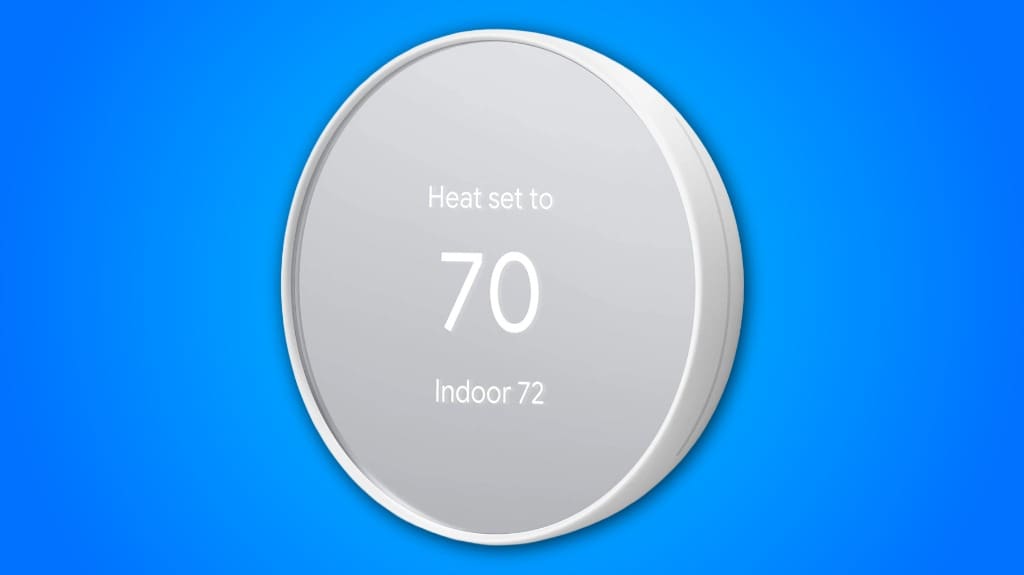
The Google Nest Thermostat seamlessly enhances your home's efficiency with its smart scheduling and habit-learning capabilities. You’ll enjoy automatic temperature adjustments that save energy when you’re away, plus proactive alerts for HVAC issues. Its wireless setup simplifies installation, while compatibility with smart devices lets you manage settings via voice commands or the Google Home app. This combination promotes sustainability and reduces energy bills. If you’re curious about additional features and benefits, there's more to explore.
Some Key Points
- The Google Nest Thermostat features intuitive navigation, making it easy to manage home climate efficiently.
- Smart scheduling and habit learning optimize energy use, reducing costs while maintaining comfort.
- The Savings Finder identifies additional energy conservation opportunities to further decrease bills.
- It integrates seamlessly with various smart devices and voice assistants for effortless climate control.
- Proactive system alerts and maintenance reminders help prevent HVAC issues, ensuring optimal performance.
Overview of Google Nest Thermostat Features
When you consider upgrading your home’s climate control, the Google Nest Thermostat offers a compelling array of features that blend convenience with energy efficiency. Its intuitive user interface simplifies navigation, allowing you to set preferences quickly. With smart scheduling, you can program energy-efficient temperature adjustments tailored to your lifestyle, seamlessly enhancing comfort while saving on energy costs. The thermostat learns your habits over time, optimizing its settings automatically. Additionally, the Savings Finder feature identifies more ways to conserve energy, making it a smart choice for those keen on sustainability and cost-effectiveness. Overall, it’s an impressive addition to modern home automation.
Connectivity and Installation Options
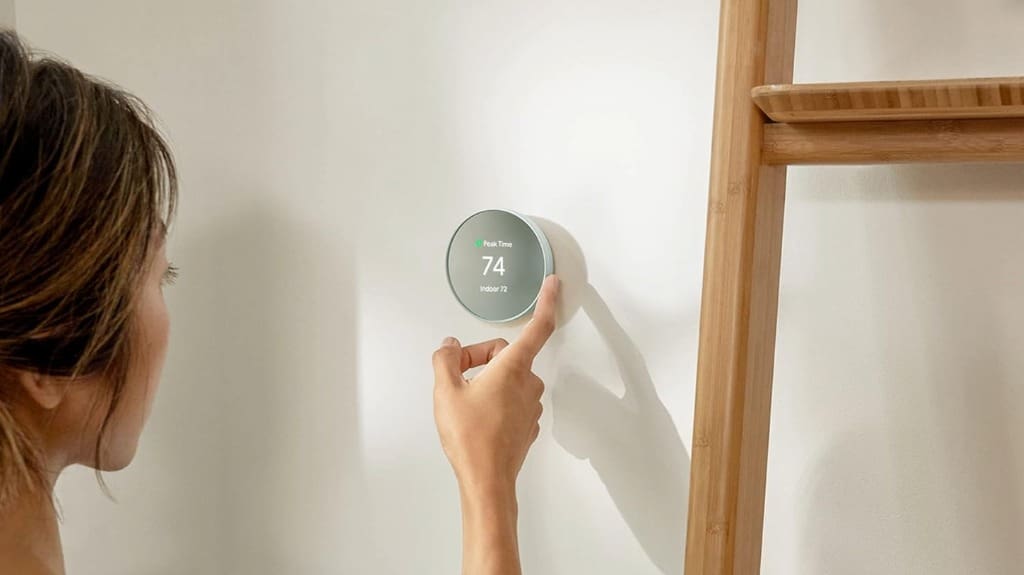
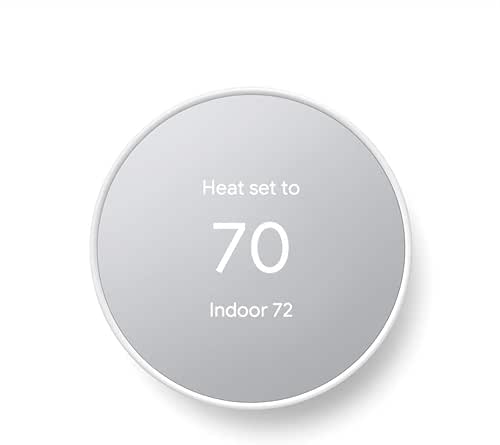
The Google Nest Thermostat excels in connectivity and installation options, making it accessible for a variety of home setups. Its wireless setup simplifies installation, allowing you to avoid complex wiring in most cases. However, some installation challenges may arise if your home uses specific systems, like heat pumps or zone-controlled heating, which might require a C wire or compatible power accessory. Before diving into installation, it's wise to use the Nest Compatibility Checker to guarantee seamless integration. Overall, the Nest Thermostat’s versatile connectivity options cater to diverse households, enhancing your smart home experience without unnecessary hassle.
Energy Efficiency and Cost Savings
By leveraging advanced technology, the Google Nest Thermostat not only enhances your home’s comfort but also considerably boosts energy efficiency and cost savings. It automatically adjusts settings when your home is unoccupied, reducing unnecessary energy consumption. You can easily program an energy-efficient schedule via the Google Home app, tailoring your heating and cooling to your lifestyle. The Savings Finder feature identifies additional opportunities for cost reduction, helping you optimize your usage further. With these smart functionalities, you’ll notice a decrease in your energy bills while contributing to a more sustainable environment, making it a wise investment for your home.
Smart Home Integration and Voice Control
As you integrate the Google Nest Thermostat into your smart home ecosystem, you'll discover seamless control and enhanced convenience at your fingertips. This thermostat is compatible with various smart devices, allowing you to manage your home's climate effortlessly. With voice commands through Google Assistant, Alexa, or any Matter-certified assistant, you can adjust the temperature hands-free, making it perfect for multitasking. Plus, you can control it remotely via your smartphone, ensuring your home is always comfortable. This level of integration not only simplifies your daily routine but also enhances energy efficiency, making your smart home even smarter.
Maintenance and System Monitoring
While managing your home’s climate, staying on top of maintenance and system monitoring is essential for peak performance. The Google Nest Thermostat proactively provides system alerts, notifying you of potential issues with your heating and cooling systems. This feature enables you to address problems before they escalate, ensuring uninterrupted comfort. Additionally, it offers maintenance reminders, making it easier to keep your HVAC system in top shape. With these tools at your fingertips, you can maintain optimal efficiency and avoid costly repairs, all while enjoying a seamless climate control experience that adapts to your lifestyle.
Clean Energy Support and Sustainability
Maintaining your HVAC system not only enhances its performance but also aligns with sustainable practices. The Google Nest Thermostat supports clean energy initiatives by optimizing your home's energy usage. With features like Nest Renew, you can prioritize energy consumption during times when renewable energy is most abundant, promoting sustainable living. It helps you make informed decisions about your energy use, reducing reliance on non-renewable sources. By automating temperature adjustments and providing maintenance reminders, the Nest Thermostat encourages you to adopt eco-friendly habits, contributing to a more sustainable future while keeping your home comfortable and efficient.

What Is the Warranty Period for the Google Nest Thermostat?
The Google Nest Thermostat typically comes with a one-year limited warranty, covering defects in materials and workmanship. If you encounter any issues, you can reach out to customer support for assistance. It's a good idea to keep your proof of purchase handy, as it may be required for warranty claims. Understanding these warranty details can help you guarantee your investment is protected, allowing you to enjoy your smart thermostat without worries.
Can the Thermostat Be Used in Rental Properties?
Yes, you can use the Google Nest Thermostat in rental properties, but you need to take into account compatibility concerns and rental regulations. Check if your property’s heating and cooling system is compatible by using the Nest Compatibility Checker. Additionally, review your lease agreement or consult your landlord to verify installing a smart thermostat aligns with rental regulations. If everything checks out, you’ll enjoy energy savings and convenient control over your home’s temperature.
Does It Work With Multi-Zone Heating Systems?
Yes, the Google Nest Thermostat can work with multi-zone heating systems, but it may require a compatible power accessory or a C wire in some cases. You’ll need to check your specific system for multi-zone compatibility to guarantee maximum heating efficiency. With the ability to program schedules and control each zone remotely, you can enhance comfort in your home while effectively managing energy consumption across different areas.
Is Professional Installation Recommended or Required?
Professional installation isn’t required, but it’s definitely recommended for peak performance. While DIY installation can save you money, you’ll want to take into account your comfort level with home wiring and HVAC systems. An expert guarantees proper connectivity and minimizes potential issues. Plus, they can advise on installation benefits, like maximizing energy efficiency and enhancing system compatibility. If you’re unsure, investing in professional help can provide peace of mind and long-term savings.
How Does the Thermostat Handle Extreme Weather Conditions?
The Google Nest Thermostat effectively manages extreme weather conditions through advanced temperature regulation. It automatically adjusts settings based on your schedule and occupancy, ensuring comfort while maximizing energy savings. When the weather turns harsh, the thermostat can preemptively heat or cool your home, preventing energy waste. You can also program specific temperature settings using the Google Home app, providing flexibility and control during extreme temperatures, all while keeping your energy bills in check.