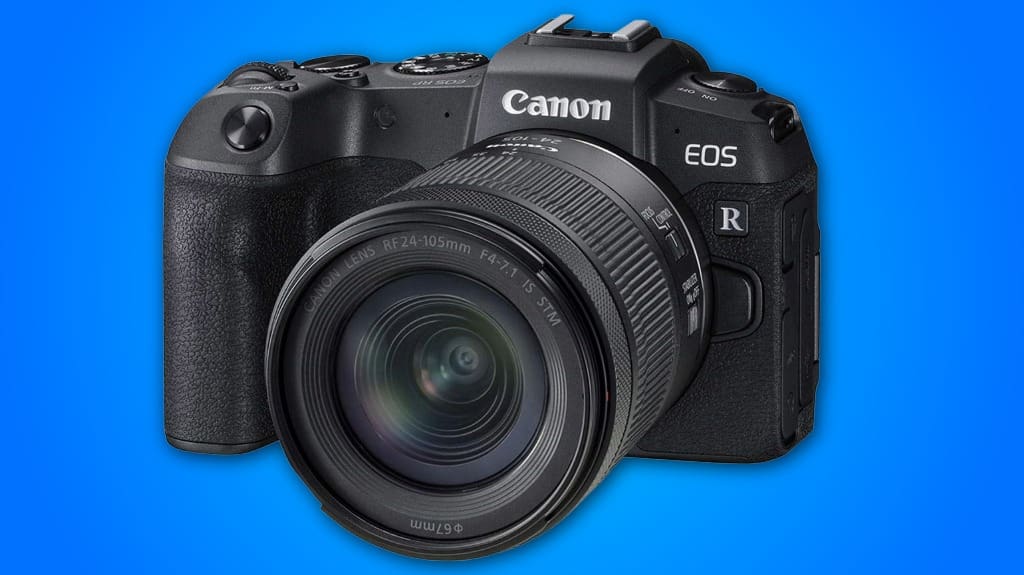
You’ll like the Canon EOS RP for travel vlogging: it’s compact, full‑frame, and fits a shoulder bag, so you’ll carry less but get better low‑light shots. Use an RF 24–105mm for flexible framing, bring extra LP‑E17 batteries, and avoid long continuous 4K clips to save power and reduce heat. Set custom white balance or use a gray card for accurate skin tones, and consider a quick‑release plate or external grip for longer handheld shoots — more practical tips follow.
Some Key Points
- Lightweight full-frame body delivers pro-level image quality while staying compact and easy to carry for travel vlogging.
- Built-in continuous AF and aperture-priority modes simplify filming moving subjects and controlling depth of field.
- 4K recording is usable but cropped and battery-draining, so test framing and bring spare batteries.
- Excellent out-of-camera color and skin tones; use custom white balance or a gray card in mixed lighting.
- Durable magnesium-alloy top plate and tactile controls suit active travel use, but pack a quick-release plate and padded storage.
Compact Full-Frame Travel Body
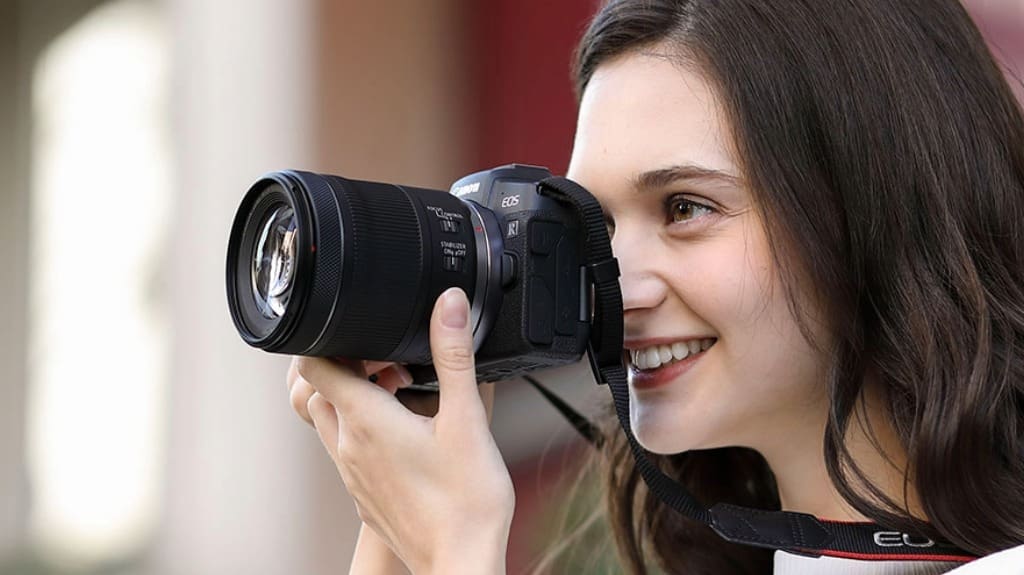
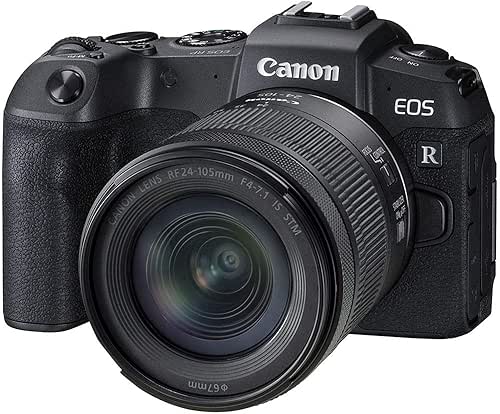
Because it’s built around a full‑frame sensor but kept small, the EOS RP gives you pro-level image quality without dragging a big camera bag on trips. You’ll appreciate its compact design and lightweight portability when you pack for a day hike or a short flight, since it slips into a shoulder bag or sling without bulk. Use the RF24-105mm for flexible framing, and keep settings simple: aperture priority for quick depth control, continuous AF for moving subjects. Hold it close to reduce shake, or mount on a small gimbal for smooth video. It’s practical, nimble, and ready to innovate your workflow.
Battery Life and Heat Management
When you plan long shoots, think ahead about battery swaps and heat management so you won't get caught mid-session; the EOS RP uses the LP-E17 battery, which gives modest endurance, so carry two spares for a half-day outing and three for a full day of active shooting. You’ll want to monitor battery performance during 4K clips, since high-res recording drains cells faster, and avoid continuous live view when possible. For thermal control, work in shaded areas, give the camera five to ten minutes after heavy use, and shoot shorter clips with pauses. Use a ventilated bag and swap batteries proactively to stay creative.
Image and Color Accuracy
Color and contrast on the EOS RP are reliable out of the camera, and you can get accurate skin tones and natural greens with minimal tweaking — but you’ll want to know how to refine them. You’ll notice strong image clarity when you shoot in RAW, so set Canon Log or RAW for post work, and keep ISO low to avoid color shifts. Use a custom white balance or gray card to lock color reproduction in mixed light, and nudge saturation or vibrance sparingly in Lightroom. For vlog footage, monitor with a calibrated external screen, and profile lenses for consistent results.
Magnesium-Alloy Top Plate
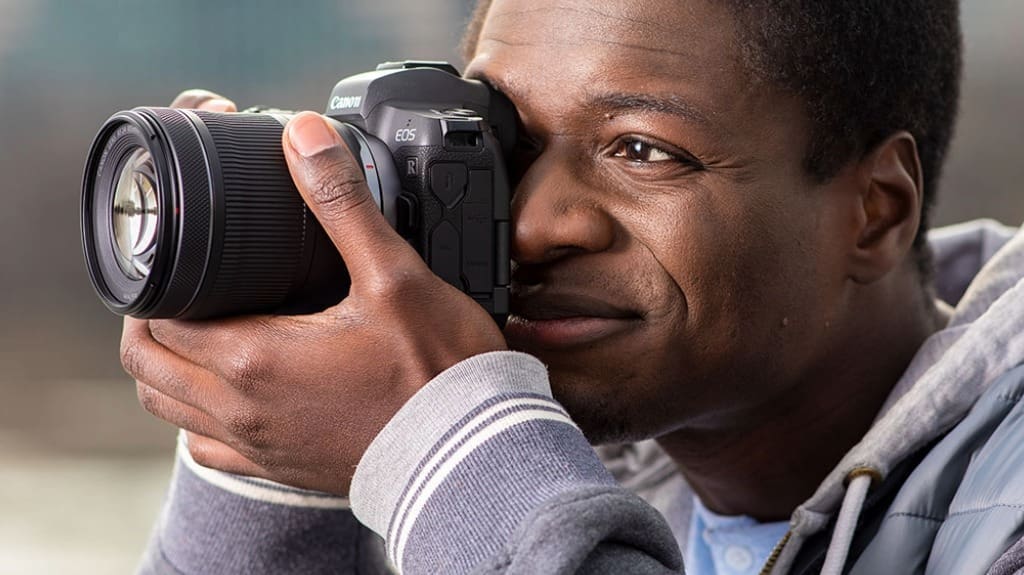
The magnesium-alloy top plate gives the EOS RP a solid, premium feel without adding much weight, so you can carry it all day and still get reliable durability. You’ll notice refined durability features like reinforced mounting points and resistance to minor bumps, which matter when you shoot on uneven trails. The finish complements the camera’s clean design aesthetics, and the tactile controls stay firm during handheld pans. For travel vlogging, use a quick-release plate that mates to the reinforced base, check screws periodically, and store it in a padded compartment. These small steps extend lifespan and keep your kit dependable on the road.
Pros & Cons
Although it's built for travel and vlogging, the EOS RP mixes clear strengths with practical compromises you'll want to weigh before buying, so here’s a straight assessment you can act on. You get excellent user experience from its lightweight body, intuitive menu, and reliable autofocus for quick shoots. Battery life is modest, so plan spare batteries for long days. Image quality is strong for the price, making affordability a real selling point, but 4K has a crop and limited frame options — test your workflow first. Overall, it's ideal if you prioritize portability, ease, and budget over flagship features.
Carry External Battery Grip
If you plan long shoots or travel days, carry an external battery grip to keep the EOS RP running without hunting for outlets. You’ll double battery life and gain a steadier hold, which matters when you’re shooting 4K or vlogging handheld. Choose a grip compatible with the RP or a reliable third‑party, check weight and mounting fit, and pack one extra LP‑E17 cell. Attach it for vertical shooting, use the extra controls, and balance long lenses. Bring a small screwdriver and spare contacts cleaner for field swaps. That practical setup keeps your workflow smooth and your content uninterrupted.

Does It Support In-Camera Vertical Video Recording?
No, it doesn’t record vertical video in-camera, but you’ve got practical recording options. You can rotate the camera and record landscape then crop or rotate footage in editing, keeping full 4K resolution. Alternatively, use the clean HDMI output to stream vertical to a capture device or a phone app that accepts rotated input. For quick social uploads, record high-bitrate landscape, then export a centered 9:16 crop for portrait platforms.
Can It Record Log or Flat Color Profiles for Grading?
No, the camera doesn’t offer internal log recording, so you can’t record true log footage for advanced color grading. You’ll shoot with Canon’s Picture Styles or a flatter neutral profile, then export to a grading workflow. For better results, record clean HDMI to an external recorder that supports log, or use Canon Log-capable external devices. Test exposure with zebras, shoot RAW or high-bitrate if possible, then grade in DaVinci Resolve.
Is There Dual Card Slot Support for Redundancy?
No, the Canon EOS RP doesn't have a dual card slot, so it lacks built‑in redundancy features. You'll need to rely on workflow safeguards: record important footage to camera and simultaneously to an external recorder via clean HDMI, or back up cards frequently to a laptop or portable SSD. Carry extra SD cards, label them, and use alternating cards per shoot. For critical projects, consider a camera with dual card slots instead.
How Effective Is the Built-In Mic for Vlog Audio?
The built‑in mic gives usable audio, but it’s limited by microphone placement on the camera top, so expect ambient noise and thin midrange. You’ll get decent voice capture in quiet settings, but for windy streets or crowded spots, plug in an external shotgun or lavalier via the mic jack. Aim the camera toward you, add a foam windshield, and monitor levels with headphones when possible, to improve audio quality immediately.
Does It Have Weather-Sealing for Outdoor Shoots?
No, it doesn’t have full weather-sealing, so don’t rely on it in heavy rain or dusty conditions. You’ll get basic resistance from the body and lens mount, but keep it protected. Use a rain cover, sealed camera bag, and silica packs for humidity. If you need more outdoor durability, consider a weather‑sealed body or protective housing, and wipe contacts after salty air exposure to prevent corrosion.