You’ll get sharp 24.1MP APS‑C images that print well to 13x19 inches, reliable 9‑point AF with eye detection for stills, and easy Wi‑Fi sharing, but plan around limited low‑light and 1080p‑only video. Shoot RAW, keep ISO at 100–800 for clean files, and use a tripod or faster lens for dim scenes; try f/5.6–f/8 for sharpness. It’s budget‑friendly; consider upgrading lenses for more versatility, and keep going to see detailed tips.
Some Key Points
- 24.1MP APS-C sensor delivers sharp images and prints up to 13x19 inches, best shot RAW for editing.
- ISO 100–800 yields clean results; ISO 1600 usable, higher ISOs need noise reduction and tripod support for low light.
- Accurate colors when shooting RAW and using manual white balance; use a gray card for critical work.
- 9-point AF with Eye Detection performs reliably for stills, but autofocus limitations affect fast action and video.
- Good entry-level value with Wi‑Fi and solid battery life, but video capped at 1080p and body isn’t fully weather-sealed.
4.1mp Sensor Summary
Sensor: The Rebel T7 uses a 24.1‑megapixel APS‑C CMOS sensor, and that gives you a good balance of resolution and low‑light performance for everyday shooting. You’ll notice fine image resolution for prints up to 13x19 inches, and cropping won’t ruin framing as quickly. For sharper results, use a prime or the 18–55mm at f/5.6–f/8, stabilize the camera, and focus on contrast edges. Sensor performance favors clear detail and natural colors, so shoot RAW when you plan edits. Update firmware, use clean ISO choices, and test the AF points to optimize each shot.

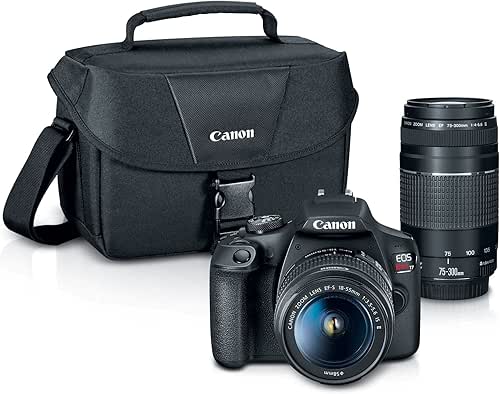
Low-Light ISO Handling
Low light can be challenging, but the Rebel T7’s ISO behavior gives you clear rules to follow: stick to ISO 100–800 for clean images, push to 1600 when you need more exposure and can accept a bit more grain, and only use 3200–6400 or the H:12800 setting if you have no other choice and plan to apply noise reduction in post. You’ll learn the camera’s low light performance quickly by testing in mixed scenes. Use a tripod, open aperture on the 18–55mm, and favor slower shutter speeds when subjects don’t move. Monitor histogram, then reduce noise in RAW processing.
Color Accuracy and Tones
When you want accurate colors from the Rebel T7, start by shooting in RAW and set white balance manually or use a preset that matches your light—Daylight for sun, Tungsten for indoor bulbs—because the camera’s default Auto WB can shift skin tones slightly warm or cool in mixed light. You’ll get reliable color reproduction accuracy if you expose carefully, meter for midtones, and avoid clipped highlights. Use a gray card for critical work, then adjust in Lightroom using the eyedropper. Check tonal range analysis in histograms to preserve shadow detail, and bracket exposures when contrast is high. Small steps, big payoff.
Weather-Sealed Body Finish
Although Canon doesn’t advertise the Rebel T7 as fully weather-sealed, you can still take sensible steps to protect it in light mist or dusty conditions, and you should if you plan to shoot outdoors regularly. You’ll want a snug rain cover for the body and lens, plus a silicone eyepiece cap to block spray, and seal your memory card and battery compartments with small adhesive gaskets if you’re handy. Use a microfiber cloth and compressed air after shoots, and change lenses quickly under shelter to limit dust. These measures boost weather resistance, so your outdoor photography stays productive and less risky.
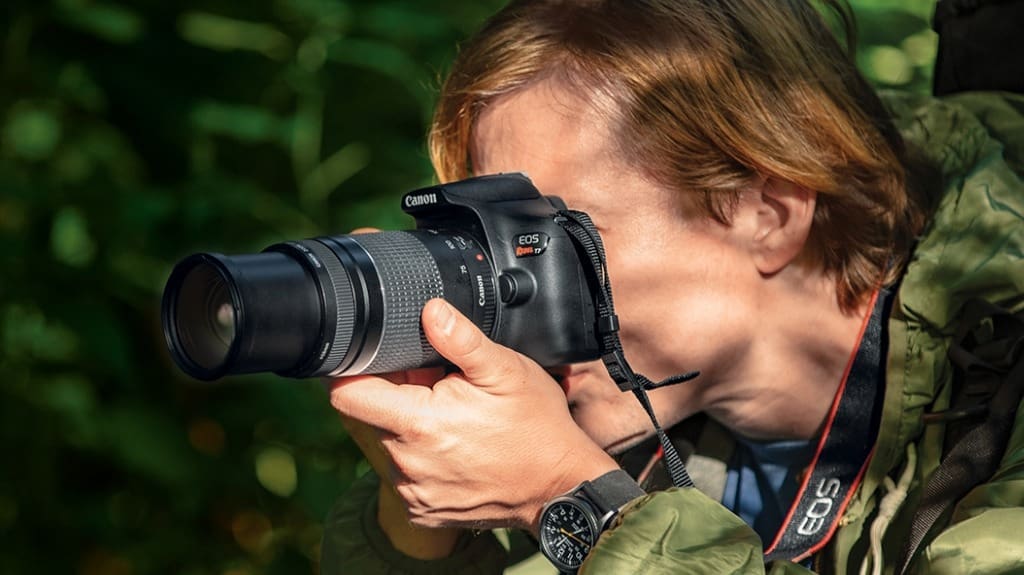
Pros & Cons
You’ve already seen ways to protect the T7 outdoors; now let’s look at what it does well and where it falls short so you can decide if those protective steps are worth it. You’ll appreciate solid image quality from the 24.1MP sensor and easy Wi‑Fi sharing, and autofocus performance is reliable for stills with its 9‑point AF and Eye Detection—move slowly with action. Video capabilities top out at 1080p, so use external microphones and steady mounts for better results. Battery life is decent, but autofocus limits and no 4K mean you’ll plan shoots and gear choices carefully.
Consider Lens Upgrade Kit
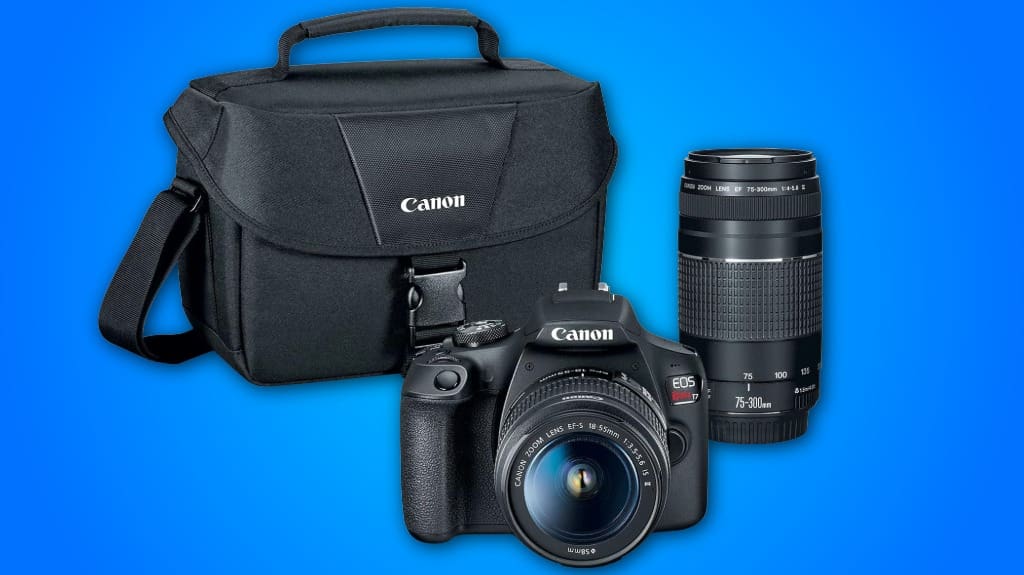
If you want more reach, better low‑light performance, or sharper portraits, consider upgrading the kit lenses that come with the Rebel T7. You’ll check lens compatibility options first: the T7 accepts Canon EF and EF‑S mounts, so add primes like a 50mm f/1.8 for portraits, or a 24mm f/2.8 for wide scenes. For zoom, step up to a stabilized 18‑135mm or a 70‑200mm f/4 for telephoto. The upgrade benefits include improved sharpness, faster apertures, and more creative control. Rent before buying, compare weight and autofocus, and test on your camera to confirm real‑world performance.

Does It Include a Touchscreen for Menu Navigation?
No, it doesn’t have a touchscreen for menu navigation. You’ll use physical buttons and the rear LCD to change settings, which keeps controls tactile and reliable, but reduces touchscreen benefits like quick touch-to-select. For better navigation efficiency, practice menu layouts and use the top dial and set button, or connect via Canon’s EOS Utility on a computer for remote control. Consider models with touchscreens if you want faster, direct control.
Can It Record 4K Video?
No, it won’t record 4k video; the T7 is limited to FHD 1080p, so expect 4k limitations in video performance. You should shoot 1080p at higher bitrates, use a tripod, and choose lower ISO to keep detail. For sharper footage, use the EF 18–55 or EF 75–300 with careful focus pulls, or consider an upgrade if you need true 4k. Use EOS Utility for clean webcam output.
Is There In-Body Image Stabilization (IBIS)?
No, the camera doesn’t have in-body image stabilization (IBIS). You’ll rely on lens stabilization, so pick IS lenses for steady image quality, especially the EF 75-300mm lacks IS, so consider swapping it for an EF 70-300mm IS or using a tripod. Use faster shutter speeds or higher ISO to reduce blur, and enable lens IS when available. For streaming, use a stabilized lens or a gimbal for smooth motion.
Does It Come With a Memory Card Included?
No, it doesn’t include a memory card, so you’ll need to buy one with the camera accessories. Choose a UHS-I SD card, Class 10 or U1, 32GB or 64GB for starters; go 128GB if you shoot lots of Full HD video. Keep a spare, and store cards in a protective case. If you want speed, pick a 95 MB/s rated card. Label cards and format them in-camera before use.
Can It Connect via Bluetooth for Remote Control?
No, it doesn't have built-in Bluetooth functionality for a remote shutter, but you can still control it remotely. Use a Canon-compatible infrared or wired remote, or pair an external Bluetooth intervalometer with an adapter that supports the camera's remote port. For webcam or tethered control, use EOS Utility over USB or Wi‑Fi. If you want modern Bluetooth convenience, consider a Bluetooth-enabled remote or upgrade to a newer Canon body with native Bluetooth.